More kit photos (2)
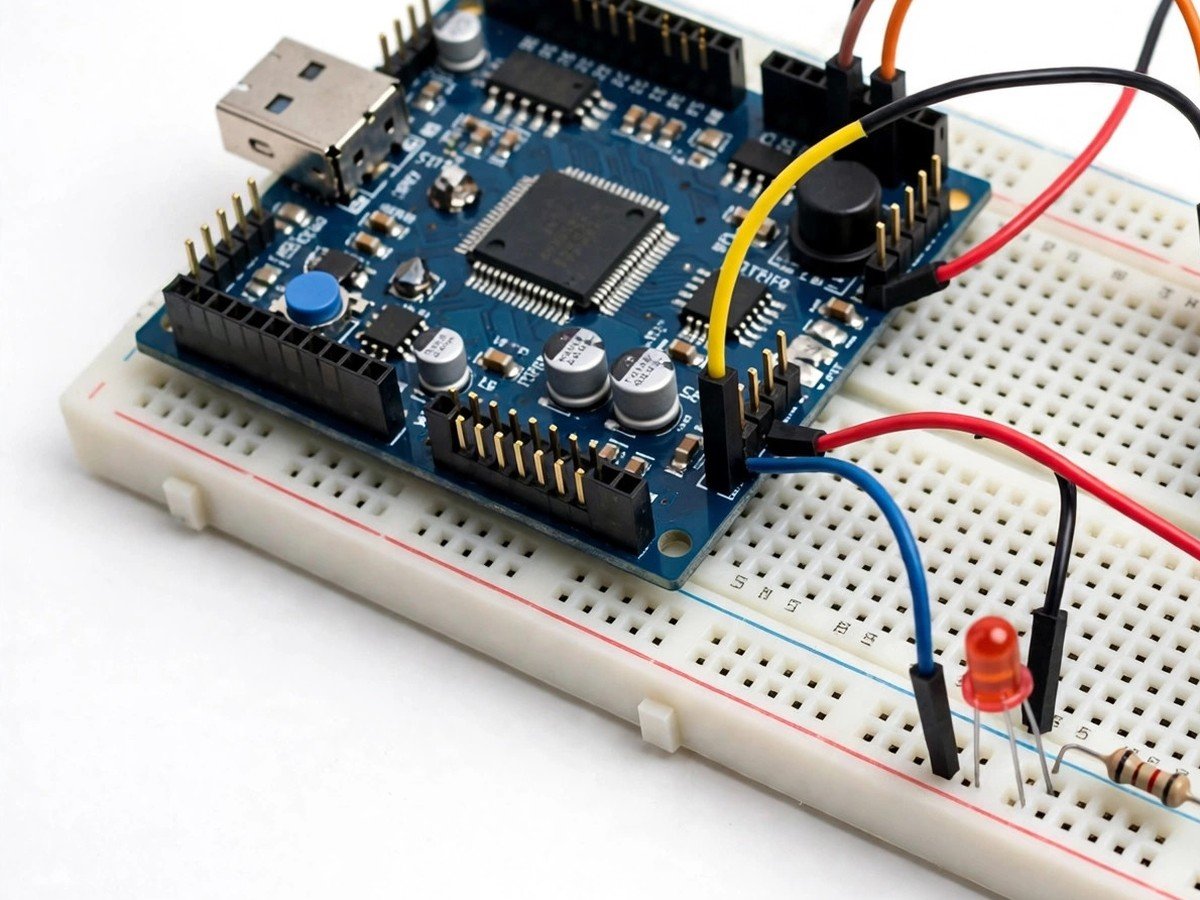
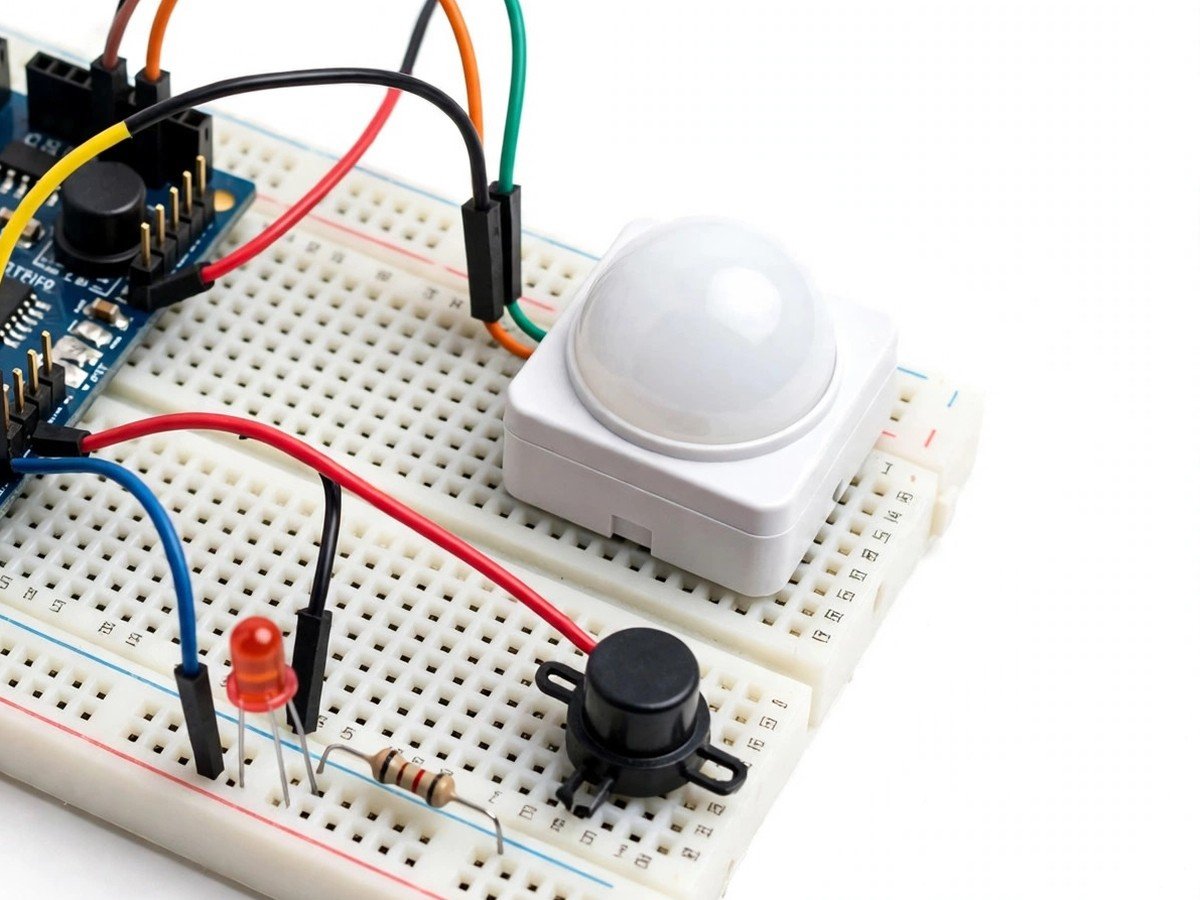
Build time: 45 minutes · Soldering: No
Safety note: this is a classroom demonstration of an alarm. It is not a home security system, and it must never be relied on to protect a real room or building.
The Problem
Motion alarms are easy to misunderstand, because the sensor itself sends out nothing. A PIR sensor only watches: it compares the infrared heat pattern in front of it with the pattern a moment ago, and fires when that pattern changes. That is why a person walking past sets it off, a person standing still does not, and a curtain moving in a draught can set it off too. This kit makes that passive idea visible. Students set the sensor facing a classroom doorway, walk past it, freeze in front of it, and test the edges, so the class discovers for itself what the sensor actually measures. The lesson is a useful correction to a common belief: the alarm does not see a person, it sees a change, and every change-based alarm has false triggers.
How It Works
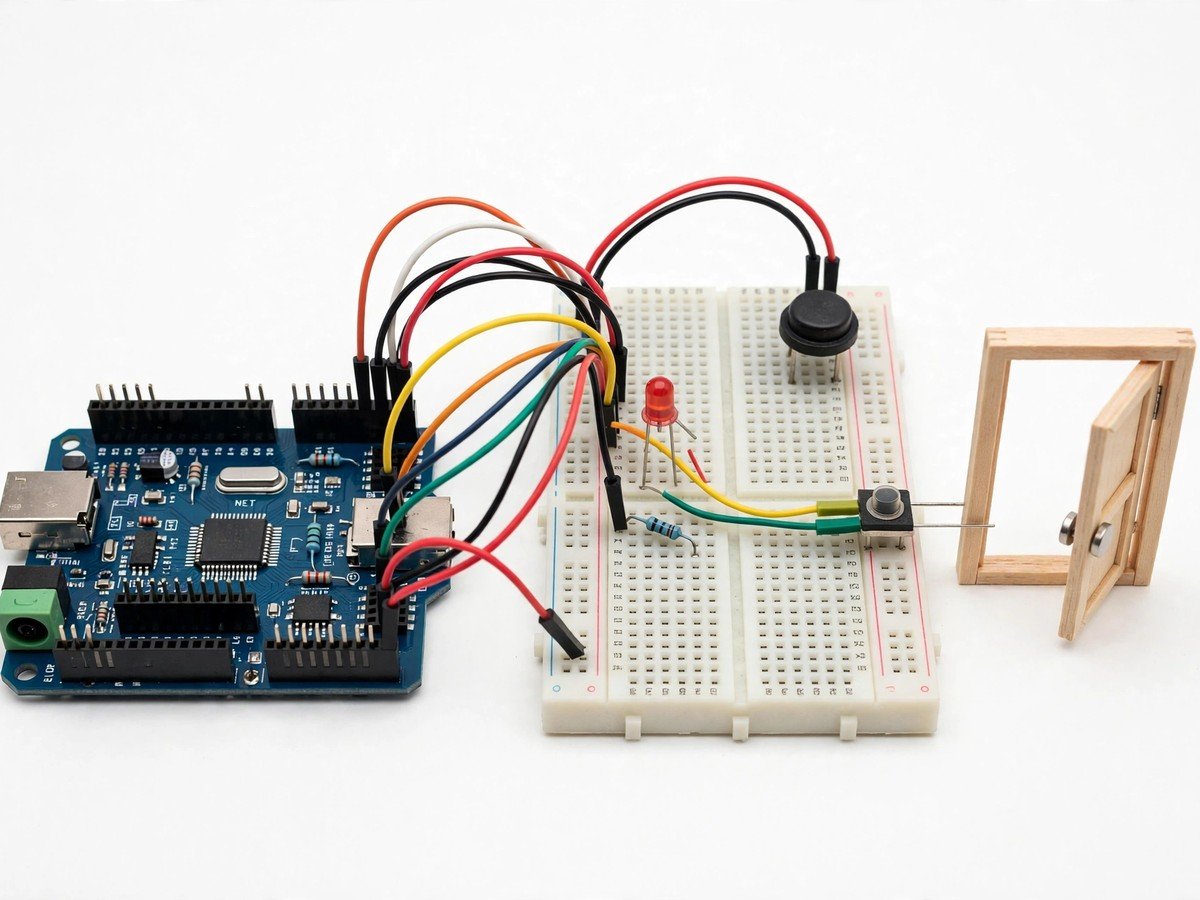
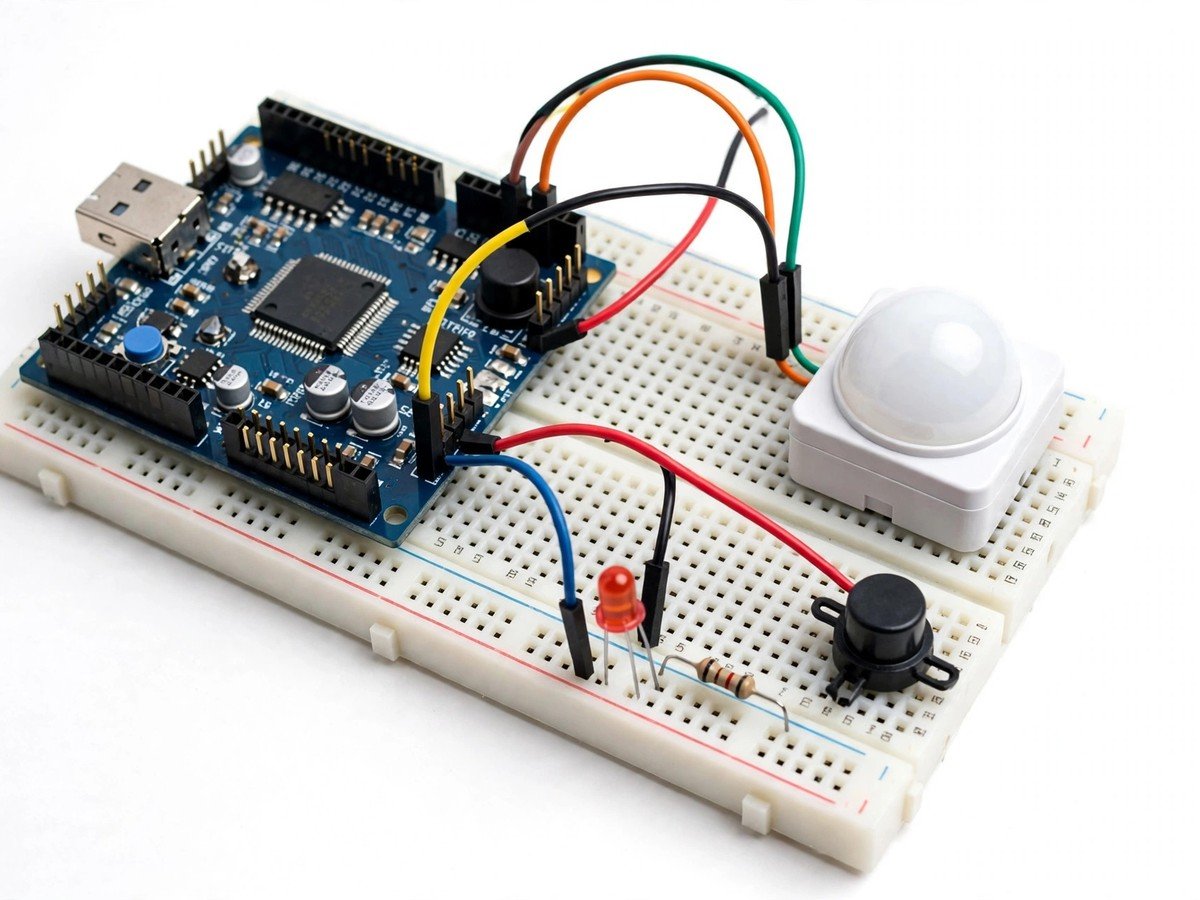
- Connect the PIR motion sensor, buzzer, and LED to the board through the breadboard, following the wiring guide.
- Upload the ready code and check that the alarm starts silent with nobody moving in front of the sensor.
- Mount the sensor facing a clear space, such as a model doorway or a gap between desks, with nothing moving in front of it.
- Walk past the sensor and check that the buzzer and LED fire together.
- Stand still in front of the sensor and check that the alarm stops once the heat pattern stops changing.
- Test the edges as a class: a waved hand, a curtain moved by hand, and a warm object rolled past on a trolley.
- Discuss each trigger and agree what the sensor measured in each case: a change in the infrared pattern, not a person.
- Switch the kit off and pack the sensor facing up, so its lens is not scratched between lessons.
Features
- A PIR motion sensor, so the class works with passive sensing: the sensor sends out nothing and only watches.
- A buzzer and LED that fire together when the heat pattern in front of the sensor changes.
- A freeze test, so students discover that standing still stops the alarm.
- Deliberate false-trigger tests with hands, curtains, and warm objects, so the limits of motion sensing are found by testing.
- Breadboard build only, so the classroom build needs no soldering.
What Is Included
- Arduino-compatible board
- PIR motion sensor
- Buzzer
- LED
- Breadboard
- Jumper wires
- Battery holder
Every pack also includes: all parts tested before dispatch; step-by-step assembly guide in English and Marathi; ready code where code is needed; a teacher guide with 3 classroom activities, common mistakes, and answers; spare jumper wires and a spare sensor or LED where the part is fragile; and WhatsApp support for the teacher.
Demo video: no video link is shown on this page yet. A demo video link will be added here only when a real video for this kit exists.
Tech Stack
- Arduino-compatible board
- PIR motion sensor
- Buzzer
- LED
- Breadboard
Specifications
| Parameter | Value |
|---|---|
| Controller | Arduino-compatible board |
| Main sensor | PIR motion sensor, passive infrared |
| Alarm outputs | Buzzer + LED |
| Power | Battery holder (batteries as supplied in the pack) |
| Build time | 45 minutes |
| Soldering | No |
| Coding level | Ready code; no code change needed to run it |
| Phone or computer needed | Computer only to upload the ready code once |
| Wi-Fi needed | No |
Limitations
- This is a classroom demonstration of an alarm. It is not a home security system, and it must never be relied on to protect a real room or building, or to warn about a real intruder.
- The sensor detects changes in the infrared pattern, not people. A pet, a curtain moved by wind, or a warm object can all trigger it, and a person standing still may not.
- Sensitivity falls when the room is already warm, because the difference between a person and the background shrinks. On a hot day the sensor may miss slow movement.
- The sensor watches one cone in front of it. Movement behind it, or behind furniture in its view, will not be detected.
Frequently Asked Questions
Do students need to know coding?
No. Ready code is included, and the kit runs as soon as the sensor is mounted facing a clear space.
Why did the alarm stop while a student stood still in front of it?
The sensor fires on change. Once the student stopped moving, the heat pattern stopped changing, so the alarm stopped.
Can this kit protect a real room?
No. It is a classroom demonstration only. It must never be relied on as a real security system.
Is soldering needed?
No. The classroom version uses a breadboard and a pre-wired sensor module.