More kit photos (2)
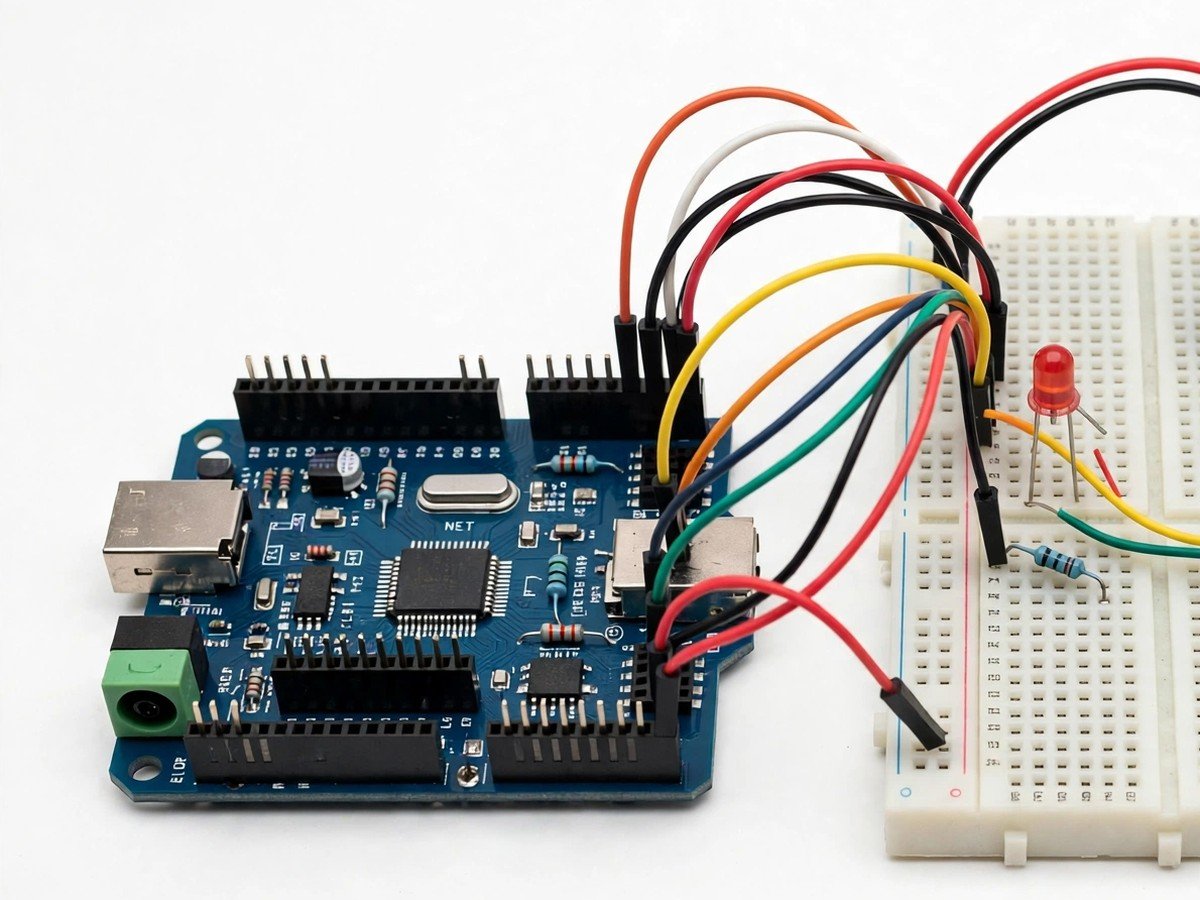
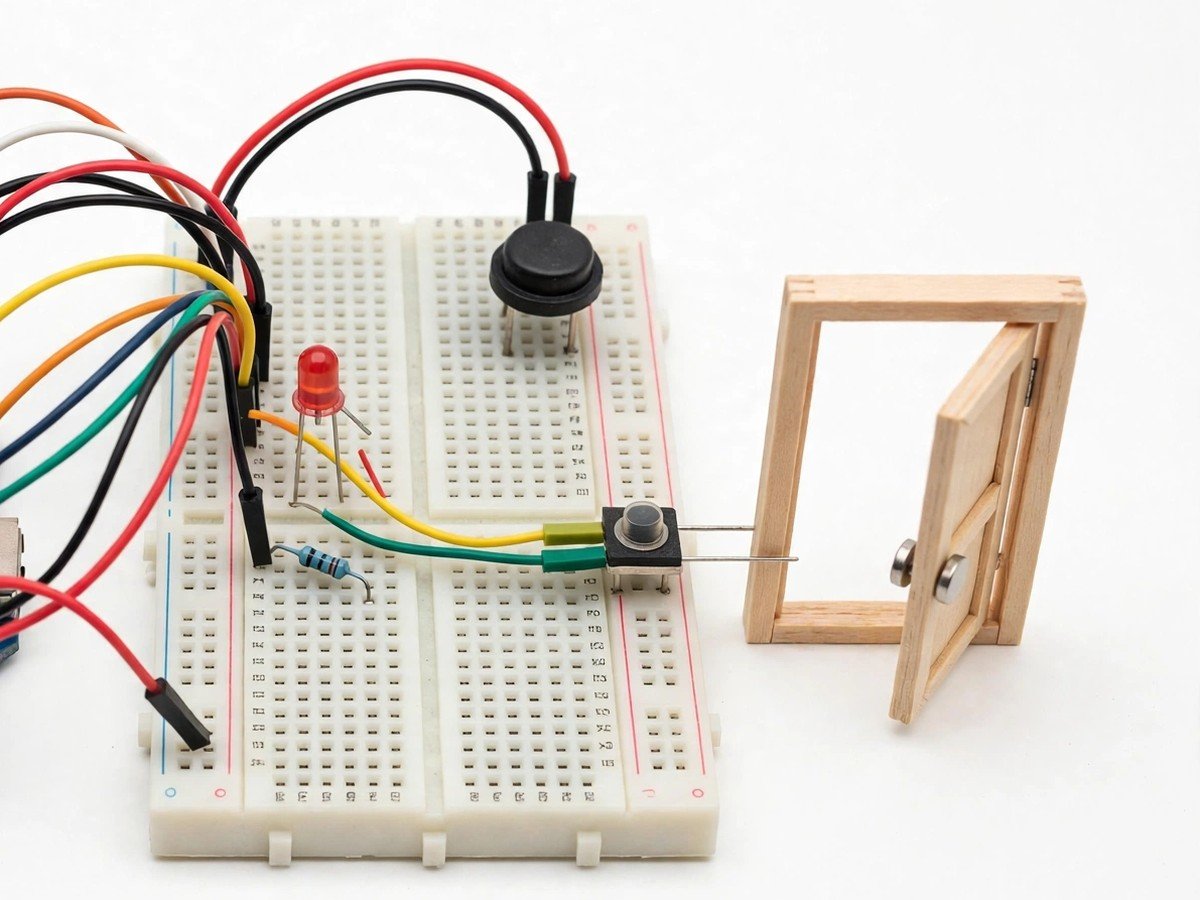
Build time: 45 minutes · Soldering: No
Safety note: this is a classroom demonstration of an alarm. It is not a home security system, and it must never be relied on to protect a real room, door, or building.
The Problem
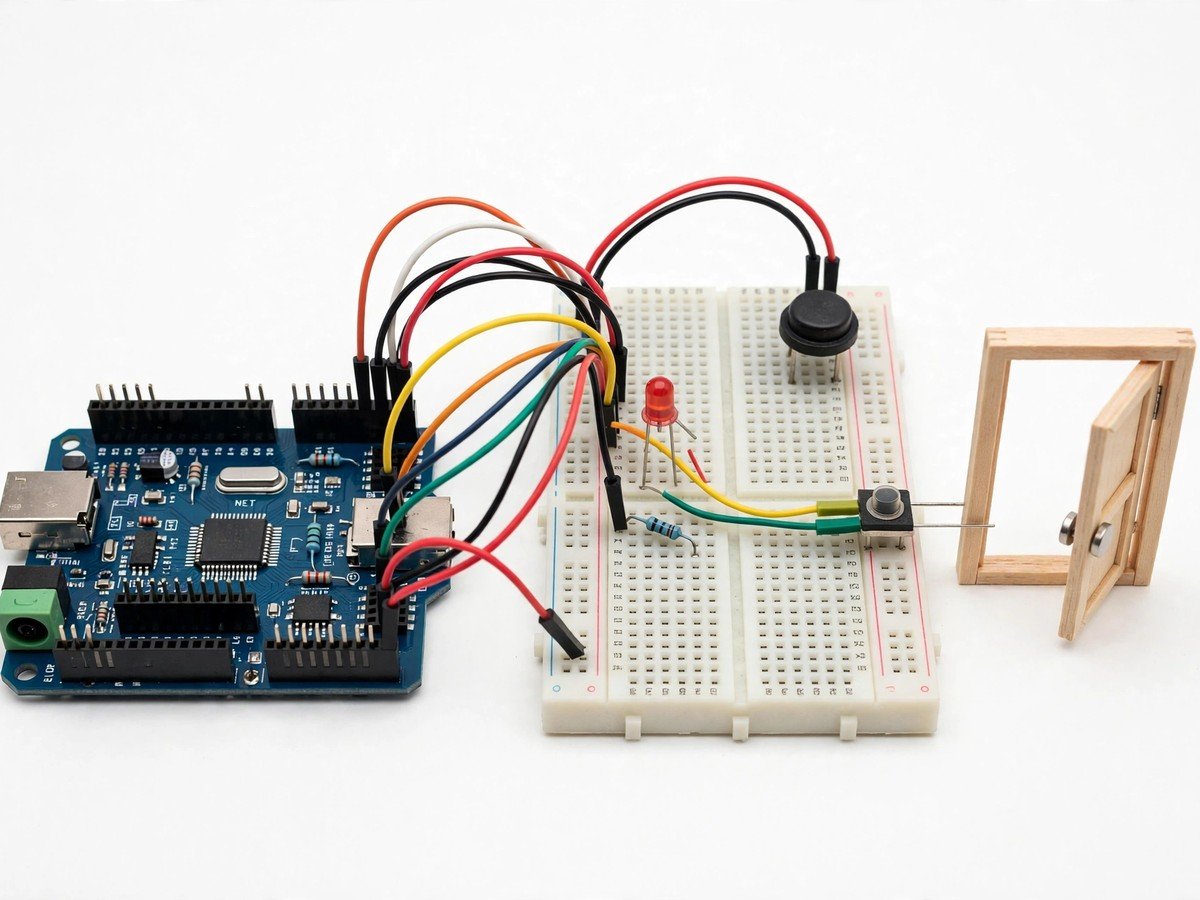
Alarms are usually met as finished products that beep, with the sensing hidden inside the box. This kit opens the box. A magnet sits on the model door, a reed switch sits on the frame, and while the two stay together the circuit stays quiet. Open the door, the magnet moves away, and the buzzer and LED fire. The class can test the idea at its edges: how far apart can magnet and switch sit before the alarm stops working, what happens if the magnet is fitted upside down, and what happens if the door is left open. Those tests teach something real about every door sensor in a home or shop: it does not detect a person, it detects a state, open or closed, and anything that changes that state, or breaks the sensor, changes the alarm.
How It Works
- Connect the magnetic reed switch, buzzer, and LED to the board through the breadboard, following the wiring guide.
- Upload the ready code and check that the alarm starts silent with the model door closed.
- Fit the magnet to the model door and the reed switch to the frame, close together, with the door closed.
- Open the model door and check that the buzzer and LED fire together.
- Close the door again and check that the alarm stops.
- Test the gap as a class: move the magnet a little further from the switch and find where the alarm stops working reliably.
- Discuss what the alarm cannot do: it cannot tell who opened the door, and it cannot sound if the sensor itself is removed or broken.
- Switch the kit off and pack the magnet back with the switch, so the pair is not separated between lessons.
Features
- A magnetic reed switch pair, so the class works with a real open and closed state, not a button press.
- A buzzer and LED that fire together when the model door opens.
- A gap test, so students find the distance where the sensor stops working reliably.
- A model door the class can open and close by hand, so the cause and the alarm are visible together.
- Breadboard build only, so the classroom build needs no soldering.
What Is Included
- Arduino-compatible board
- Magnetic reed switch
- Buzzer
- LED
- Breadboard
- Jumper wires
- Battery holder
Every pack also includes: all parts tested before dispatch; step-by-step assembly guide in English and Marathi; ready code where code is needed; a teacher guide with 3 classroom activities, common mistakes, and answers; spare jumper wires and a spare sensor or LED where the part is fragile; and WhatsApp support for the teacher.
Demo video: no video link is shown on this page yet. A demo video link will be added here only when a real video for this kit exists.
Tech Stack
- Arduino-compatible board
- Magnetic reed switch
- Buzzer
- LED
- Breadboard
Specifications
| Parameter | Value |
|---|---|
| Controller | Arduino-compatible board |
| Main sensor | Magnetic reed switch, door and frame pair |
| Alarm outputs | Buzzer + LED |
| Power | Battery holder (batteries as supplied in the pack) |
| Build time | 45 minutes |
| Soldering | No |
| Coding level | Ready code; no code change needed to run it |
| Phone or computer needed | Computer only to upload the ready code once |
| Wi-Fi needed | No |
Limitations
- This is a classroom demonstration of an alarm. It is not a home security system, and it must never be relied on to protect a real room, door, or building, or to warn about a real intruder.
- The alarm detects a state, open or closed. It cannot tell who opened the door, and it cannot sound if the sensor pair is removed, broken, or fitted too far apart.
- Magnet distance matters. If the magnet sits too far from the switch even with the door closed, the alarm may sound for a closed door, or fail to stop when the door closes.
- The classroom alarm sounds while the door is open. It does not latch, log, or send a message, and it stops when the door closes or the kit is switched off.
Frequently Asked Questions
Do students need to know coding?
No. Ready code is included, and the kit runs as soon as the sensor pair is fitted.
Why does the alarm sound for a closed door?
The magnet is probably too far from the switch. Move the pair closer together until the alarm stays silent with the door closed.
Can this kit protect a real room?
No. It is a classroom demonstration only. It must never be relied on as a real security system.
Is soldering needed?
No. The classroom version uses a breadboard and pre-wired modules.