More kit photos (2)
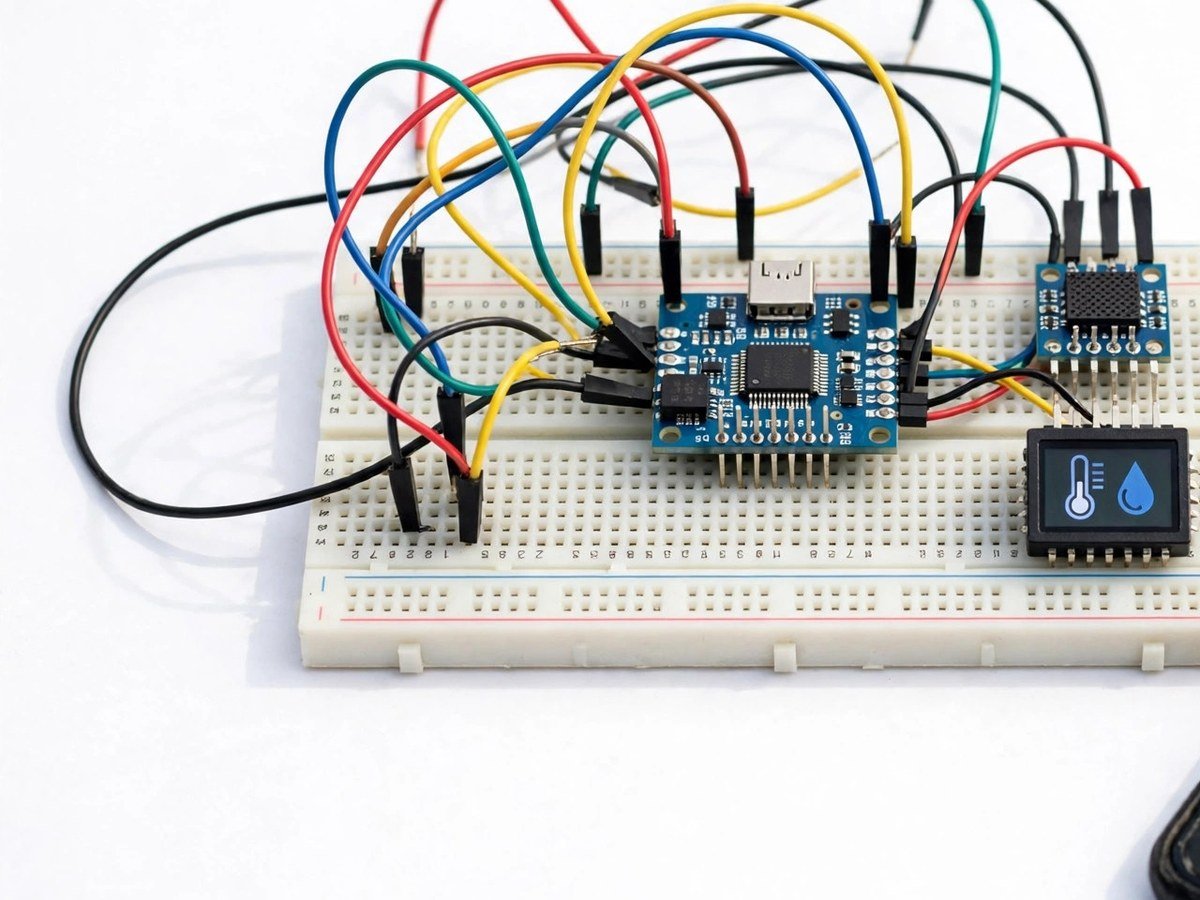
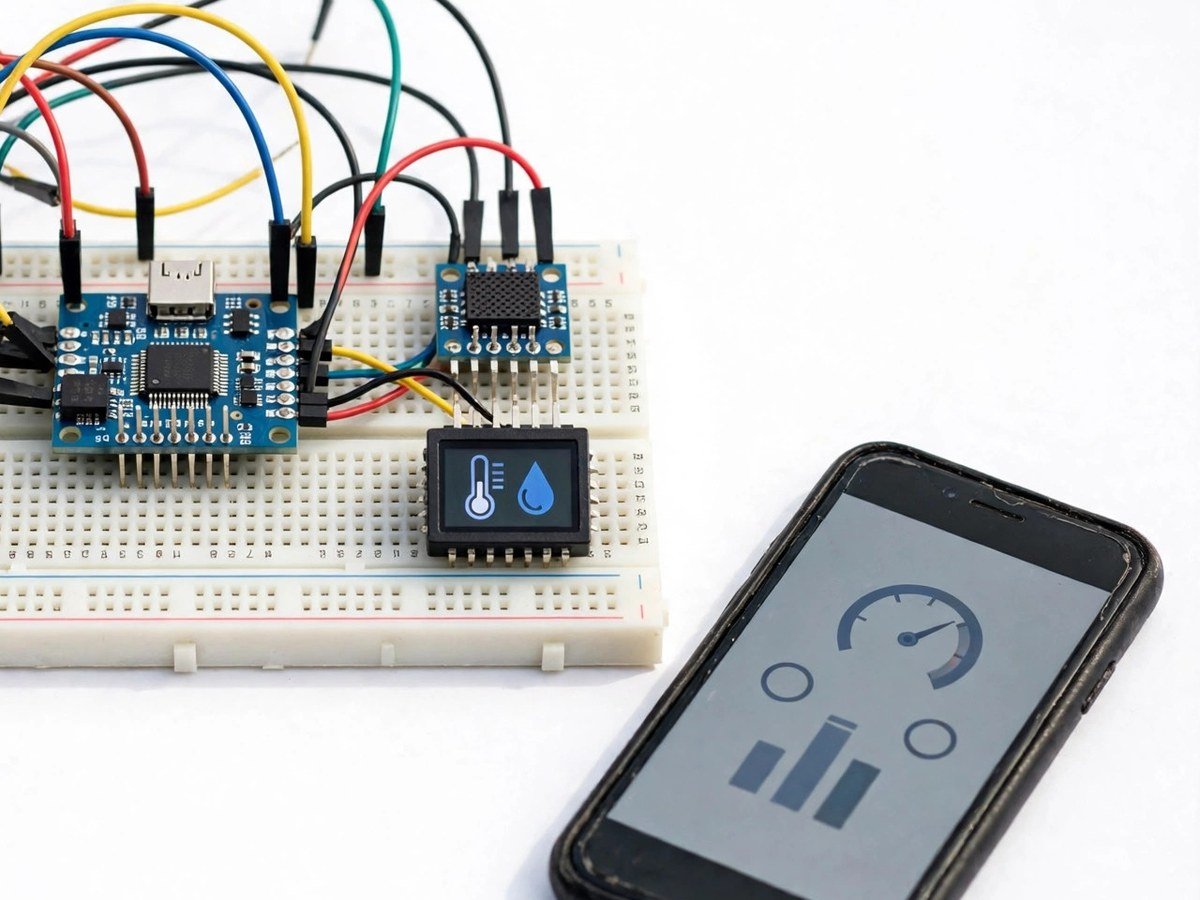
Build time: 90 minutes · Soldering: No
Requirement: this kit needs school Wi-Fi or a phone hotspot. Please check this before ordering.
The Problem
IoT is usually taught as a diagram of clouds and arrows, while the sensor itself sits on a desk doing nothing. Students learn the vocabulary — sensor, cloud, dashboard — without ever watching a number travel from a sensor to a phone. This kit closes that gap with the simplest possible IoT chain: the same DHT11 weather reading from the earlier weather station kit, sent by an ESP32 over Wi-Fi to a live dashboard. The class can watch the number change on a phone in real time, compare two classrooms, and then watch the honest failure: when Wi-Fi drops, the dashboard stops. That failure is the lesson. IoT is not magic, it is a sensor plus a network, and the network is the fragile part.
How It Works
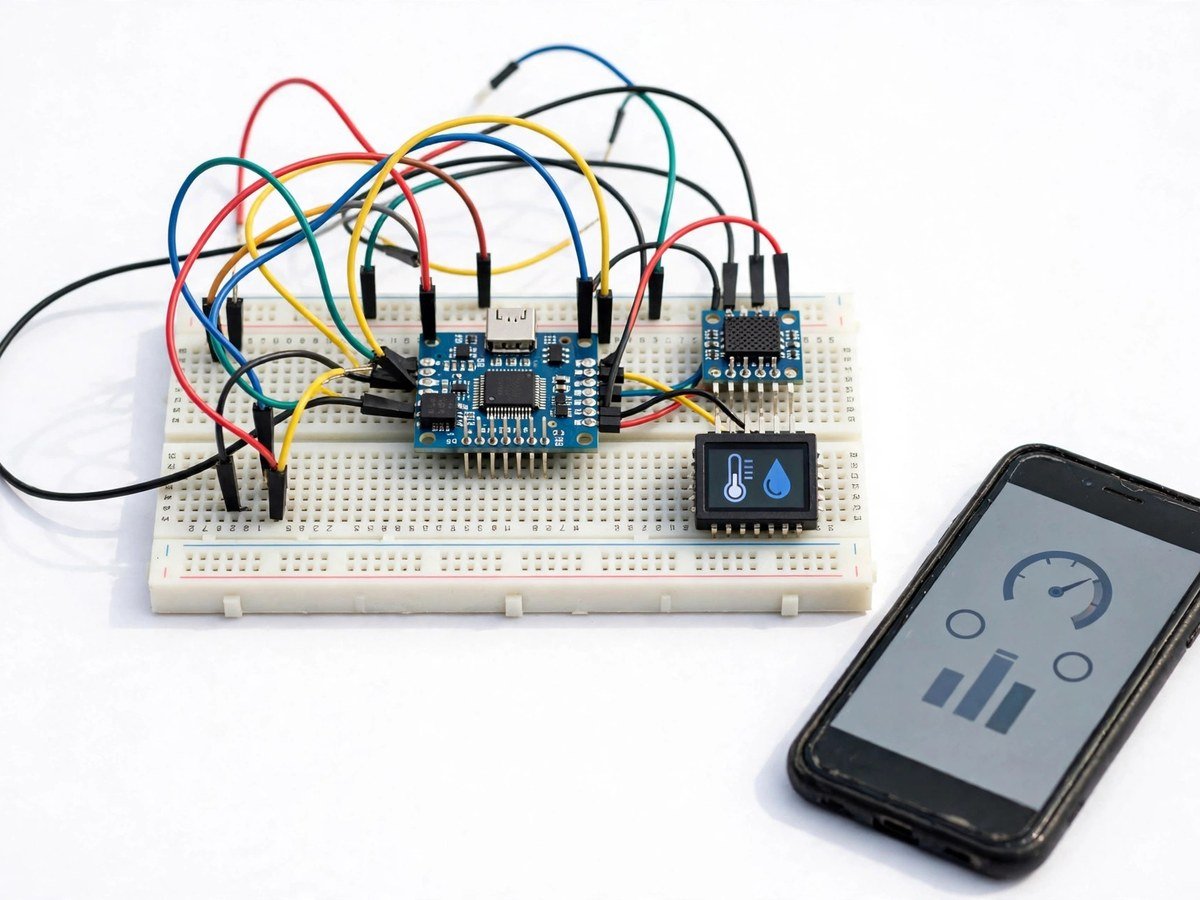
- Connect the DHT11 sensor and the LCD to the ESP32 board, following the wiring guide.
- Upload the ready code, changing only the Wi-Fi name and password to the school Wi-Fi or a phone hotspot.
- Check that temperature and humidity appear on the LCD first, before any network step.
- Open the phone dashboard and check that the same readings appear live on the phone.
- Compare two classrooms: place one kit in each room and watch both dashboards side by side.
- Switch the hotspot off, watch the dashboard stop updating, then switch it back on and watch it resume.
- Discuss what the dashboard does not show: it does not store a long history by itself, and it does not work without a network.
- Pack the ESP32 board back carefully, as its pins bend easily in a classroom box.
Features
- An ESP32 board with built-in Wi-Fi, so the sensor data can leave the desk.
- A live phone dashboard showing temperature and humidity as they change.
- An LCD display as well, so the class can compare the local reading with the dashboard reading.
- Ready code where only the Wi-Fi name and password need to change.
- A two-classroom comparison activity, so the network idea is tested, not just described.
What Is Included
- ESP32 board
- DHT11 sensor
- LCD
- Breadboard
- Wires
Every pack also includes: all parts tested before dispatch; step-by-step assembly guide in English and Marathi; ready code where code is needed; a teacher guide with 3 classroom activities, common mistakes, and answers; spare jumper wires and a spare sensor or LED where the part is fragile; and WhatsApp support for the teacher.
Demo video: no video link is shown on this page yet. A demo video link will be added here only when a real video for this kit exists.
Tech Stack
- ESP32 board
- DHT11 temperature and humidity sensor
- LCD display
- Wi-Fi (school Wi-Fi or phone hotspot)
- Breadboard
Specifications
| Parameter | Value |
|---|---|
| Controller | ESP32 board with built-in Wi-Fi |
| Main sensor | DHT11 temperature and humidity sensor |
| Display | LCD display + phone dashboard |
| Network | Wi-Fi: school Wi-Fi or phone hotspot required |
| Power | Board power as supplied in the pack |
| Build time | 90 minutes |
| Soldering | No |
| Coding level | Ready code; only Wi-Fi name and password change |
| Phone or computer needed | Phone for the dashboard; computer only to upload the ready code once |
| Wi-Fi needed | Yes — school Wi-Fi or phone hotspot is required |
Limitations
- This kit needs school Wi-Fi or a phone hotspot. Without a network, the dashboard will not update, even though the LCD still shows local readings.
- The dashboard shows live readings. It does not, on its own, store a long history or send alerts, and the class should not expect it to.
- Wi-Fi passwords are entered into the ready code for this demo. Use a school or hotspot network for the lesson, not a personal home network with no supervision.
- Readings depend on sensor position, as in the weather station kit. Direct sun, heaters, and crowded rooms change the reading.
Frequently Asked Questions
Do students need to know coding?
No. Ready code is included. The only thing students change is the Wi-Fi name and password.
What happens when Wi-Fi drops?
The dashboard stops updating until the network returns. The LCD still shows local readings, which is a useful comparison.
How is this different from the weather station kit?
The weather station kit shows readings on its own display. This kit sends the same readings over Wi-Fi to a phone dashboard, which is the IoT step.
Is soldering needed?
No. The classroom version uses a breadboard.