More kit photos (2)
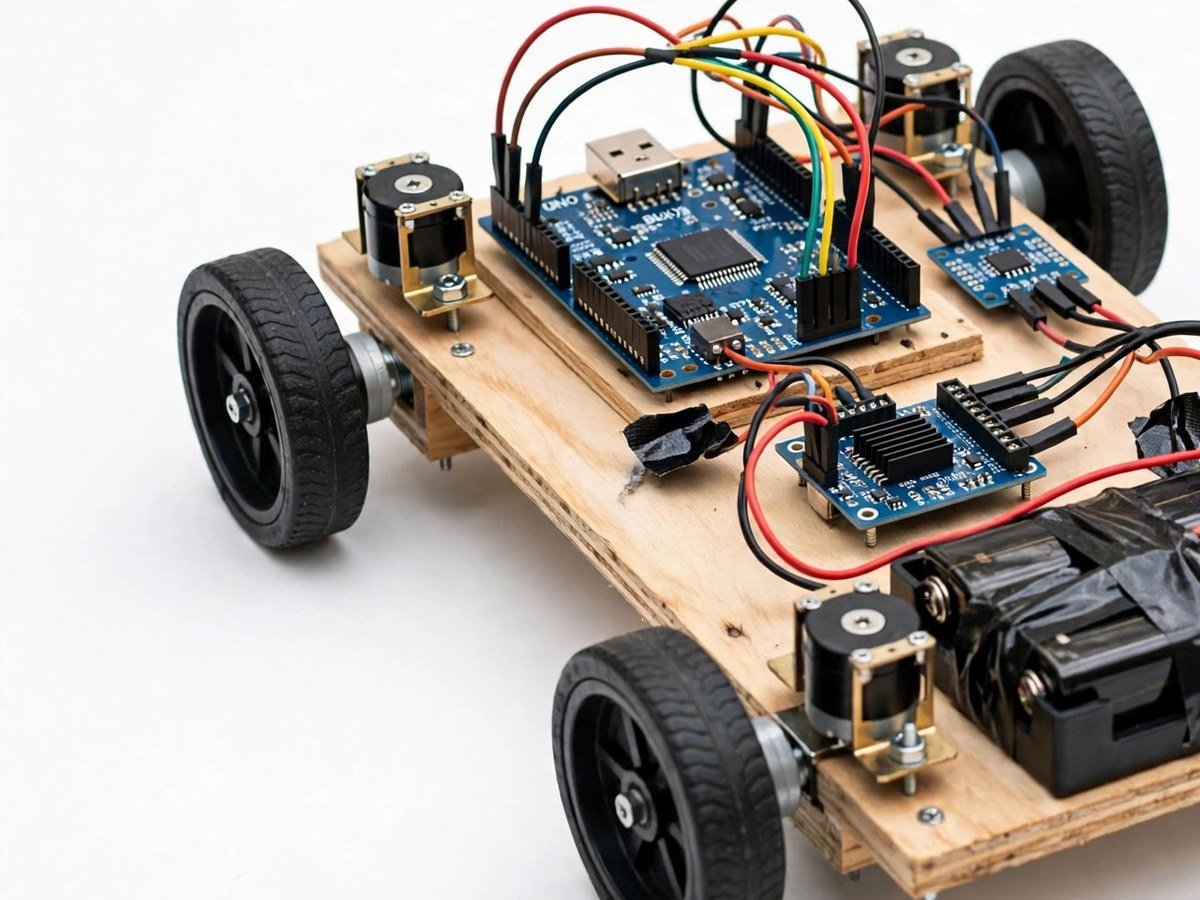
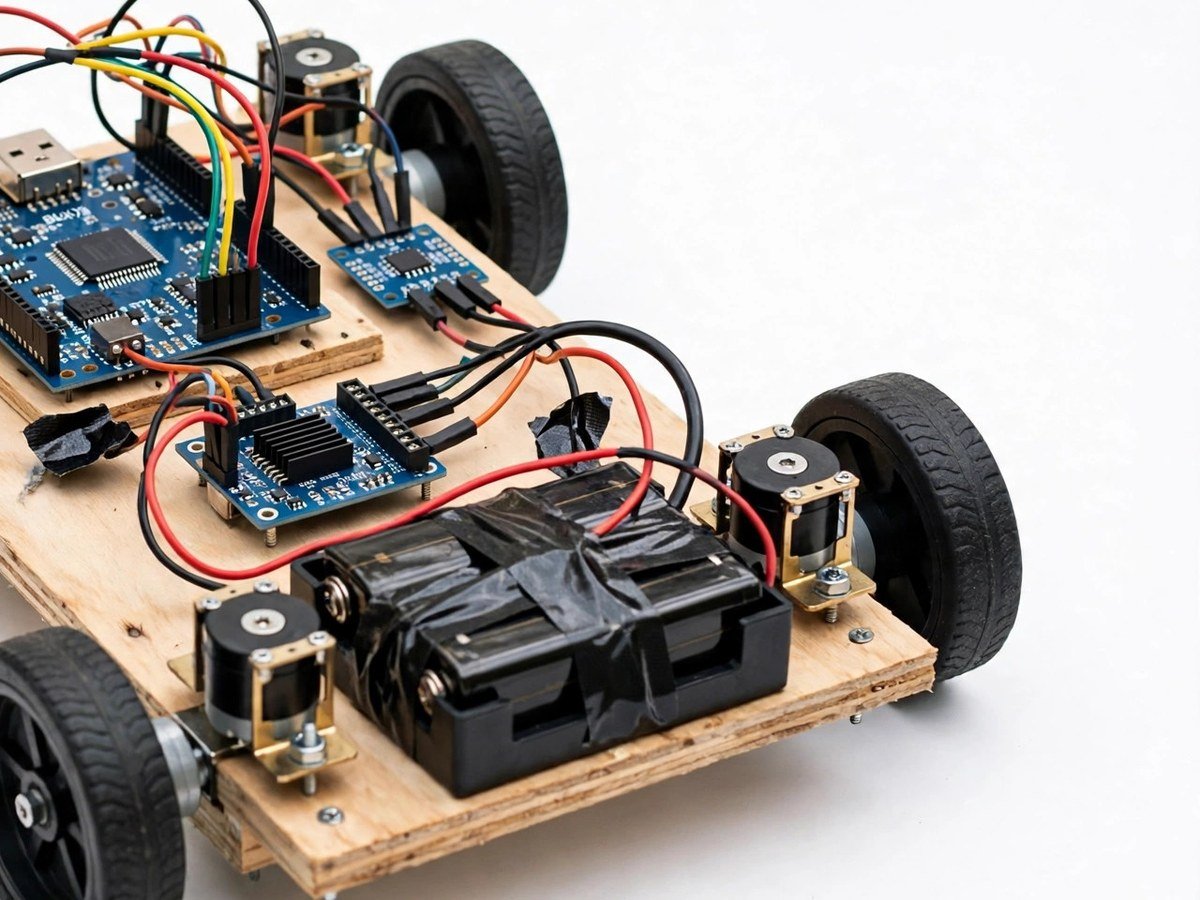
Build time: 60–90 minutes · Soldering: No
The Problem
Every student has driven something with a phone or a remote, but few have seen what sits between the phone and the wheels: a wireless link, a motor driver, and four motors that must be told, separately, which way to turn. That gap makes wireless control feel like magic and makes debugging feel impossible. This car removes the magic without removing the fun. The class drives a marked track, times a run, and then hits the real limit — Bluetooth range — and has to explain it. It is the most popular demo in the set for a reason: it is fun to drive, and it still teaches the full chain from phone to wheel.
How It Works
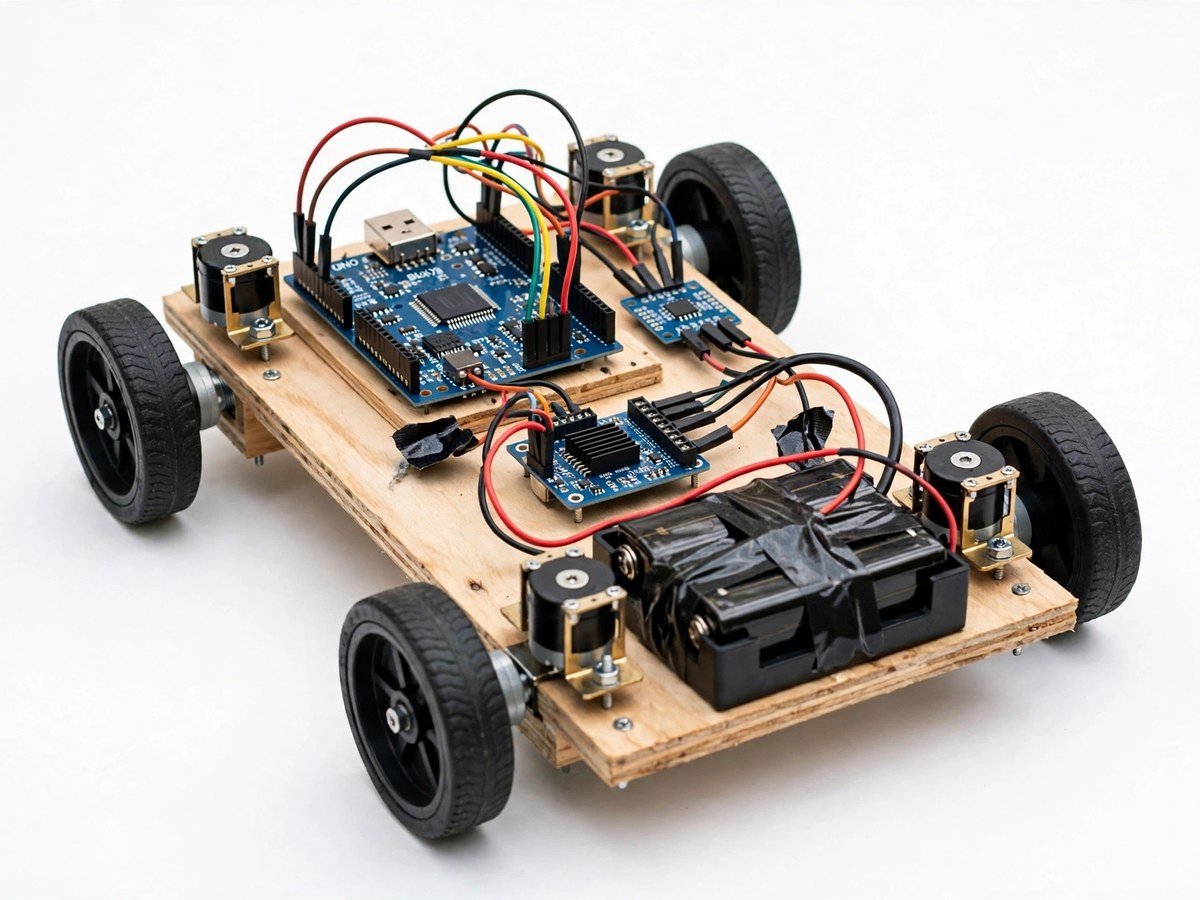
- Build the four-motor chassis with wheels and the battery holder, checking that all four wheels turn freely by hand first.
- Connect the Bluetooth module and the motor driver to the board, following the wiring guide.
- Upload the ready code and pair the phone using the free controller app named in the guide.
- Drive the car slowly on a flat, clear floor and check forward, back, left, and right.
- Mark a track on the floor and drive it, then run a timed challenge as a class.
- Walk away from the car until control drops, mark that distance, and discuss why Bluetooth range is limited.
- Discuss what the car cannot do: it cannot see obstacles, it cannot steer itself, and it stops when the link drops.
- Switch the car off, remove the batteries for storage if the kit will not be used soon, and pack the wheels back protected.
Features
- Four-motor drive through a motor driver, so direction and turning are visible in the wheels.
- Bluetooth phone control with a free controller app. No paid app is required.
- A marked-track and timed-challenge activity, so the class has a reason to drive carefully, not just fast.
- Ready code, so the first drive needs no programming from students.
- Breadboard and pre-wired modules only, so the classroom build needs no soldering.
What Is Included
- Arduino-compatible board
- Bluetooth module
- Motor driver
- 4 BO motors + wheels
- Chassis
- Battery holder
Every pack also includes: all parts tested before dispatch; step-by-step assembly guide in English and Marathi; ready code where code is needed; a teacher guide with 3 classroom activities, common mistakes, and answers; spare jumper wires and a spare sensor or LED where the part is fragile; and WhatsApp support for the teacher.
Demo video: no video link is shown on this page yet. A demo video link will be added here only when a real video for this kit exists.
Tech Stack
- Arduino-compatible board
- Bluetooth module
- Motor driver
- BO motors × 4
- Robot chassis
Specifications
| Parameter | Value |
|---|---|
| Controller | Arduino-compatible board |
| Wireless | Bluetooth module, free controller app |
| Drive | 4 BO motors + wheels, motor driver |
| Power | Battery holder (batteries as supplied in the pack) |
| Build time | 60–90 minutes |
| Soldering | No |
| Coding level | Ready code + free controller app |
| Phone or computer needed | Phone for control; computer only to upload the ready code once |
| Wi-Fi needed | No — Bluetooth only |
Limitations
- Bluetooth range is short, typically one room. Walls, other Bluetooth devices, and a low battery will shorten it further.
- The car has no obstacle sensing. It will drive into a wall, a foot, or a stair edge if driven there, so it must only be used on a flat, clear floor.
- This is a classroom and exhibition demo. It must not be used on roads, near stairs, or near moving vehicles.
- Speed and steering depend on battery charge. As batteries run low, the car will slow and turn unevenly.
Frequently Asked Questions
Do students need to know coding?
No. Ready code is included, and the phone app is a free controller app.
Why does the car stop responding sometimes?
Bluetooth range is short, and a low battery shortens it further. Stay in the same room and check the battery first.
Can the car drive itself?
No. It has no sensors for obstacles or lines. It only follows the phone commands, and it stops when the link drops.
Is soldering needed?
No. The classroom version uses a breadboard and pre-wired modules.