More kit photos (2)
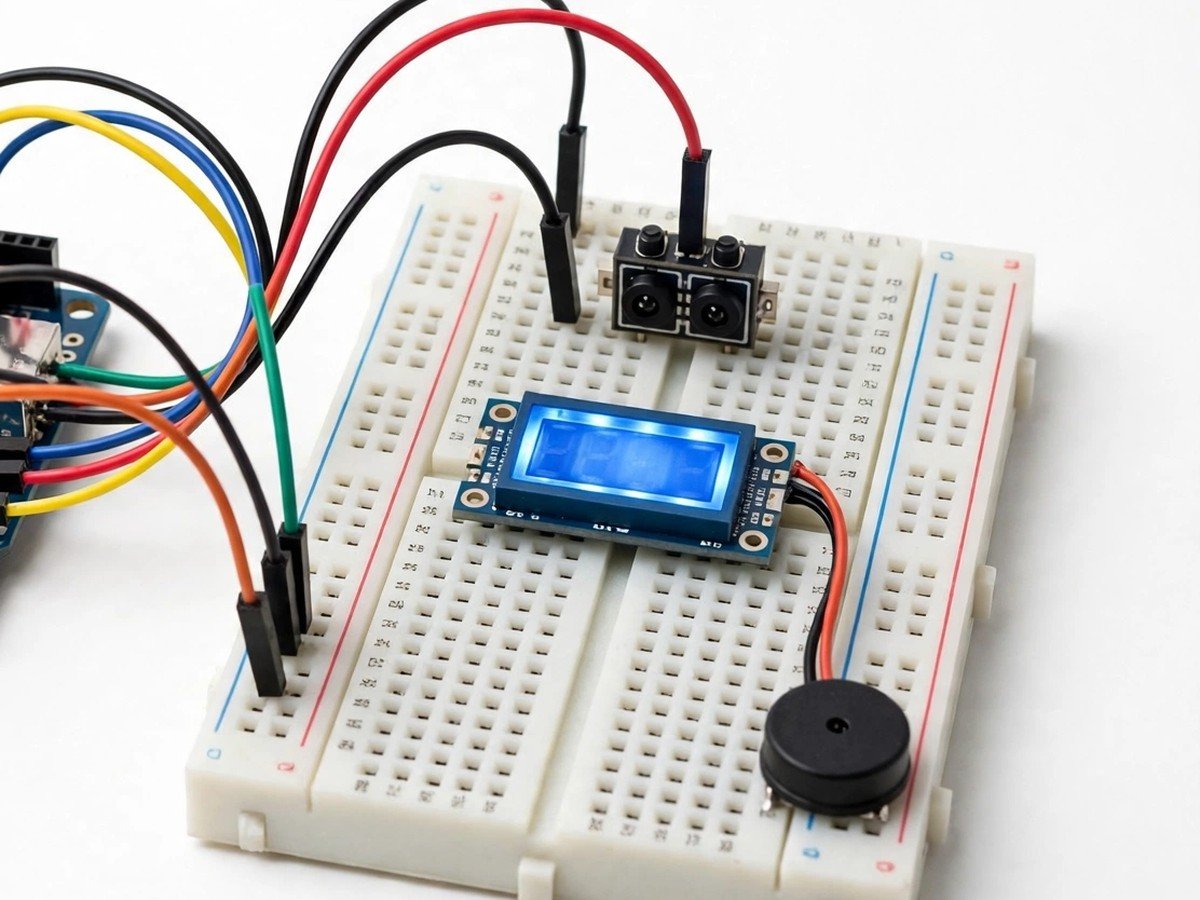
Build time: 45–60 minutes · Soldering: No
Safety note: this is a classroom demonstration of counting. It is not an attendance system or a security system, and it must never be relied on to count real visitors or to control access.
The Problem
Counting people sounds simple until a class tries to do it with a sensor. A beam is either broken or unbroken, and the counter must decide what counts as one entry. Walk through slowly and it counts one. Walk through with a friend, and the beam breaks once for two people. Wave a hand in front of it, and it counts a person who never entered. This kit makes those failures visible, which is exactly why it is a good classroom build. Students set up the beam across a model doorway, watch the display, and test the edges: one person, two people together, a bag swung through the beam, a slow walk versus a quick pass. The discussion that follows is the real lesson: counting is not sensing, it is deciding, and every counting rule has a case it gets wrong.
How It Works
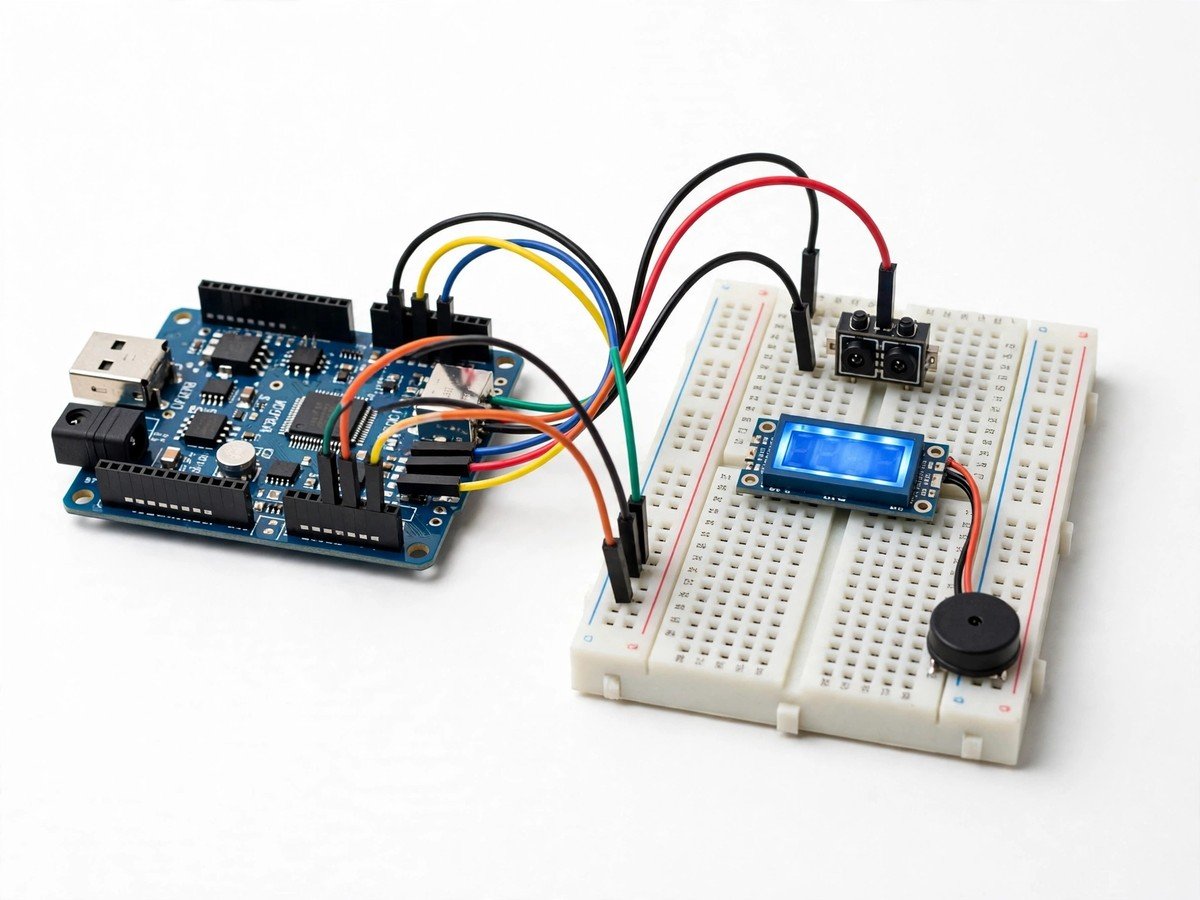
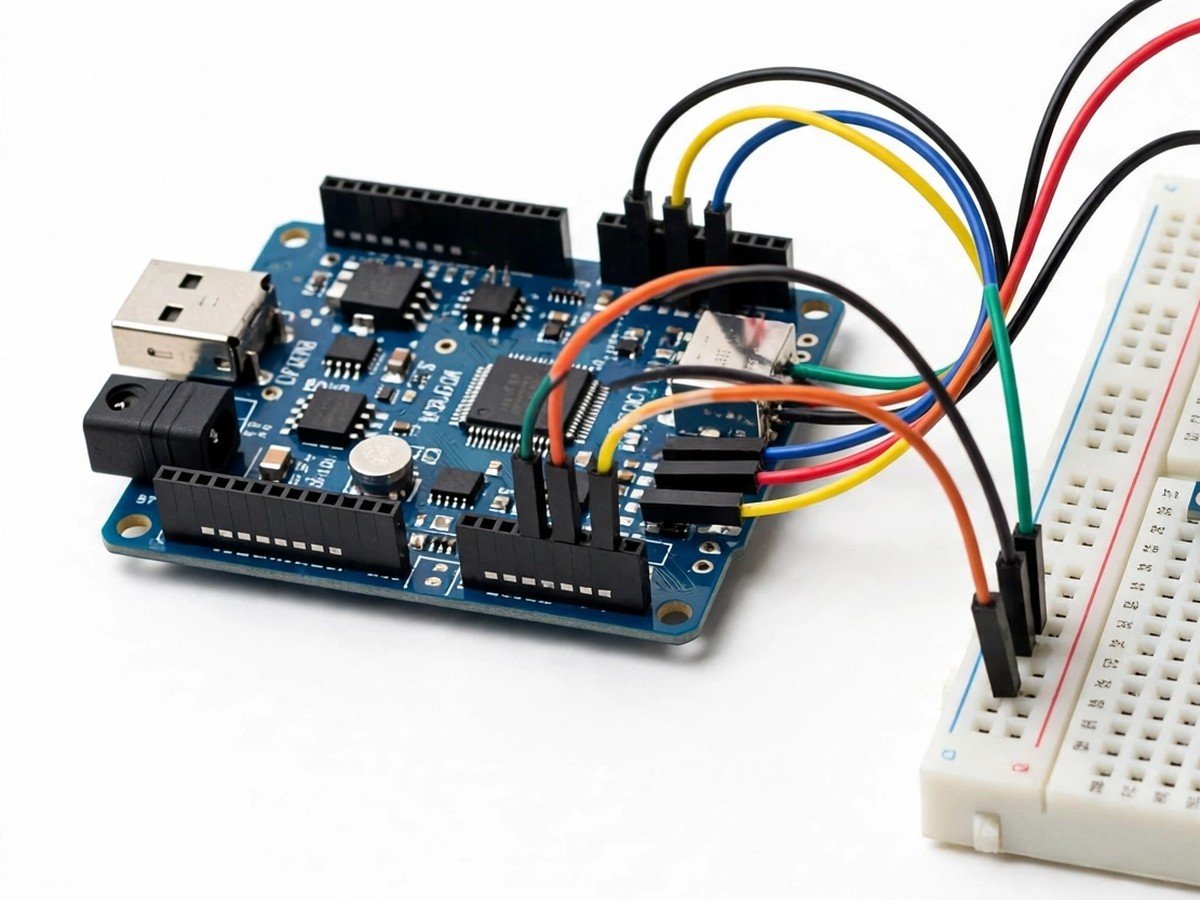
- Connect the IR sensor pair, LCD display, and buzzer to the board through the breadboard, following the wiring guide.
- Upload the ready code and check that the display starts at zero with the beam unbroken.
- Set the sensor pair across a model doorway, aligned so the beam runs straight from sender to receiver.
- Walk through the beam once, slowly, and check that the count goes up by exactly one.
- Test the edges as a class: two people together, a bag swung through, a hand waved in front of the sensor.
- Discuss each wrong count and agree what the counter actually measured: a beam break, not a person.
- Set a class target count and check that the buzzer sounds when the target is reached, then reset the count.
- Switch the kit off and pack the sensor pair back carefully, as alignment is the part most easily lost between lessons.
Features
- An IR sensor pair across a model doorway, so the class counts real walk-throughs, not button presses.
- An LCD display showing the count live, so every test has a number the whole class can see.
- A buzzer at a class-set target count, so the counter can signal a full room or a finished test.
- Deliberate failure tests: pairs, bags, and waved hands, so students discover the limits of beam counting themselves.
- Breadboard and pre-wired modules only, so the classroom build needs no soldering.
What Is Included
- Arduino-compatible board
- IR sensor pair
- LCD display
- Buzzer
- Breadboard
- Jumper wires
- Battery holder
Every pack also includes: all parts tested before dispatch; step-by-step assembly guide in English and Marathi; ready code where code is needed; a teacher guide with 3 classroom activities, common mistakes, and answers; spare jumper wires and a spare sensor or LED where the part is fragile; and WhatsApp support for the teacher.
Demo video: no video link is shown on this page yet. A demo video link will be added here only when a real video for this kit exists.
Tech Stack
- Arduino-compatible board
- IR sensor pair
- LCD display
- Buzzer
- Breadboard
Specifications
| Parameter | Value |
|---|---|
| Controller | Arduino-compatible board |
| Main sensor | IR sensor pair, across a model doorway |
| Display | LCD display |
| Target signal | Buzzer at a class-set target count |
| Power | Battery holder (batteries as supplied in the pack) |
| Build time | 45–60 minutes |
| Soldering | No |
| Coding level | Ready code; target count is set as a class decision |
| Phone or computer needed | Computer only to upload the ready code once |
| Wi-Fi needed | No |
Limitations
- This is a classroom demonstration of counting. It is not an attendance system, a visitor-management system, or a security system, and it must never be relied on to count real visitors or to control access.
- The counter counts beam breaks, not people. Two people walking through together, a bag swung through the beam, or a hand waved in front of the sensor can all produce a wrong count.
- Alignment matters. If the sender and receiver are not facing each other straight, the beam is already broken and the counter will not work until they are realigned.
- The kit counts entries in one direction only in its classroom form. It does not track who left, and it does not know how many people are still inside.
Frequently Asked Questions
Do students need to know coding?
No. Ready code is included. The class decisions are the setup and the target count.
Why did two students walking through together count as one?
The beam broke once for both of them. The counter measures beam breaks, not people, and that is the main lesson of this kit.
Can this kit count attendance for a real class?
No. It is a classroom demonstration only. It must never be used as a real attendance or access system.
Is soldering needed?
No. The classroom version uses a breadboard and pre-wired modules.