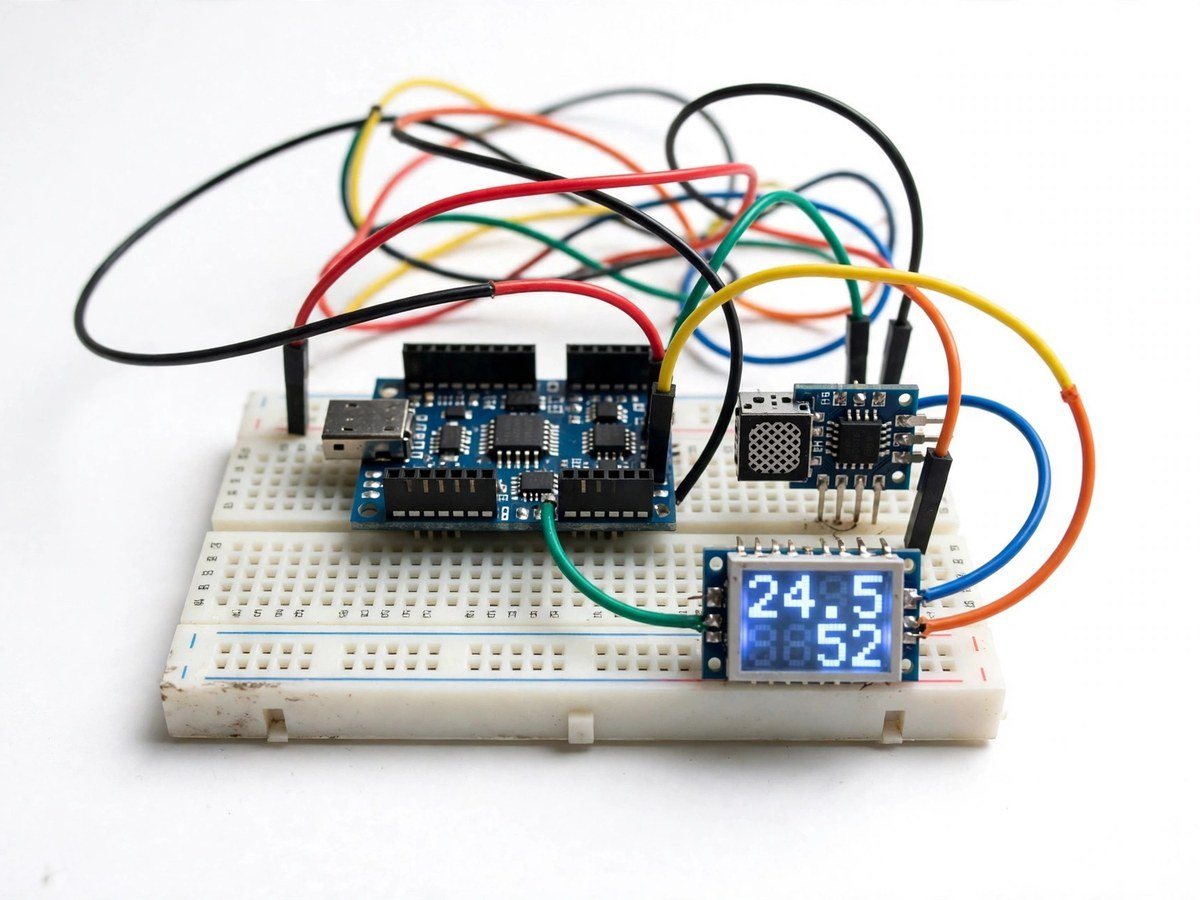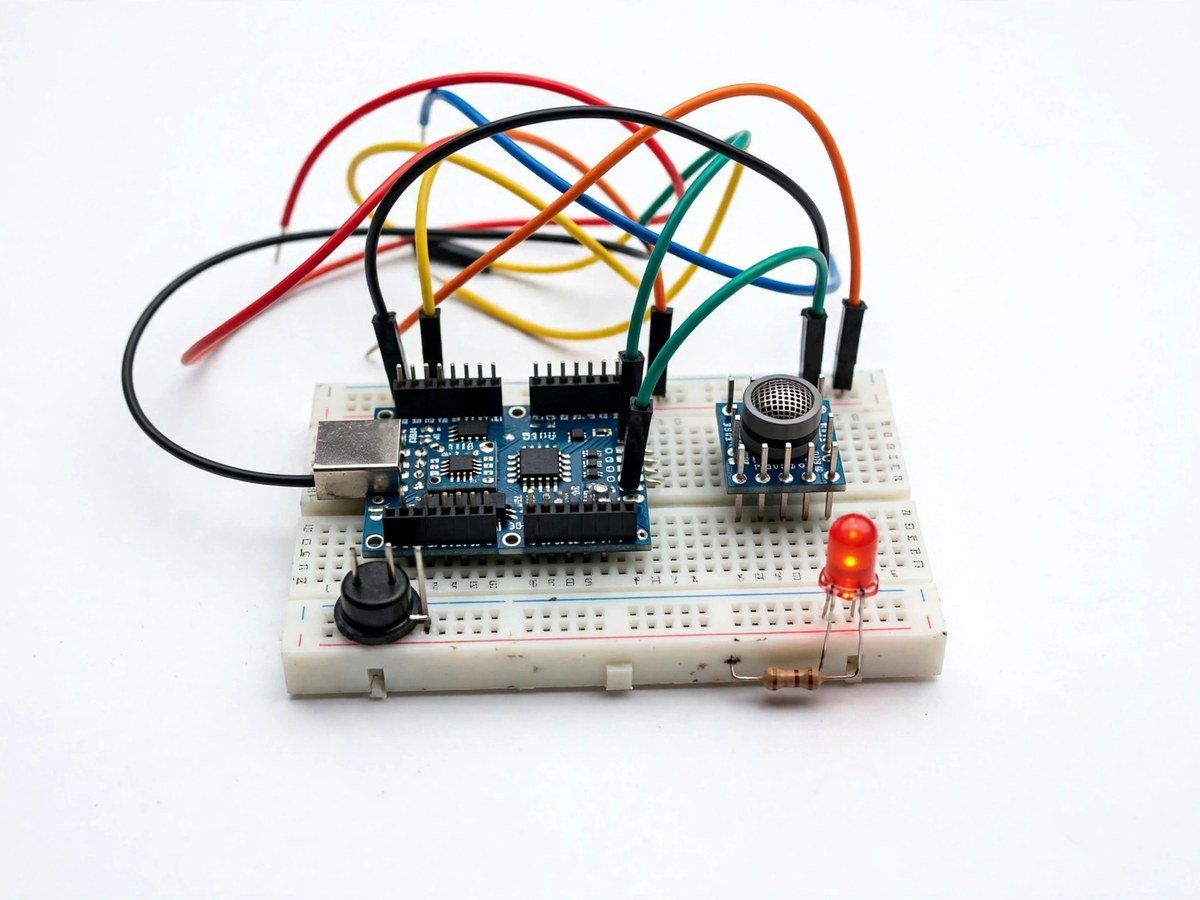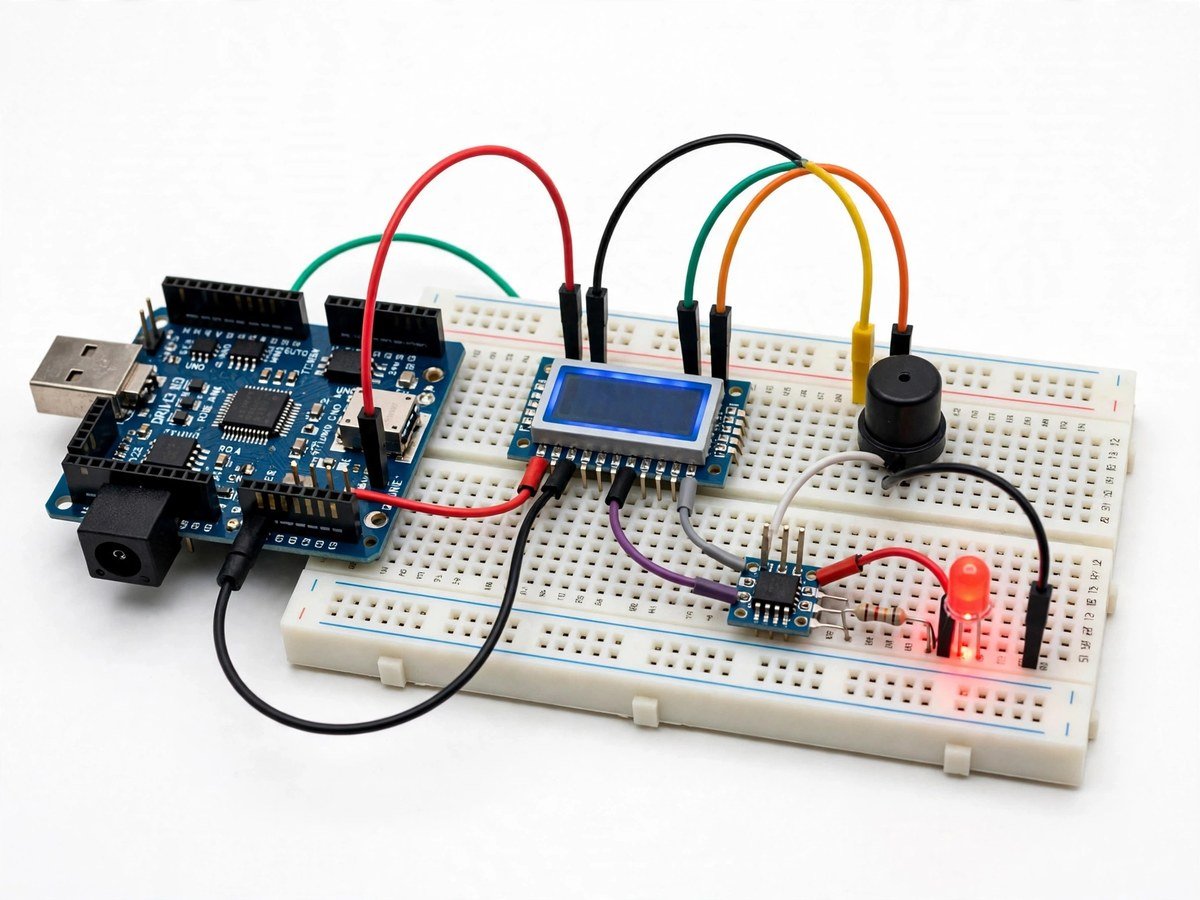
More kit photos (2)
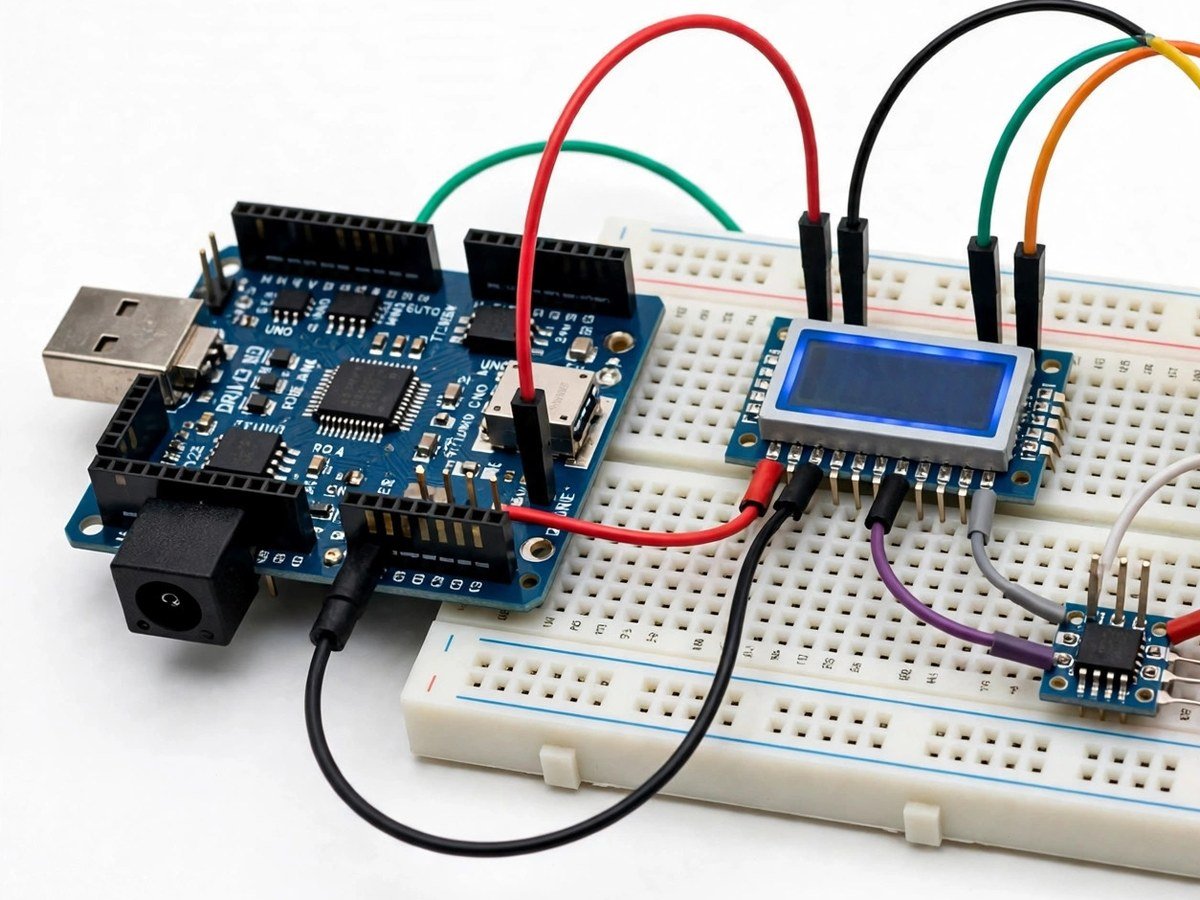
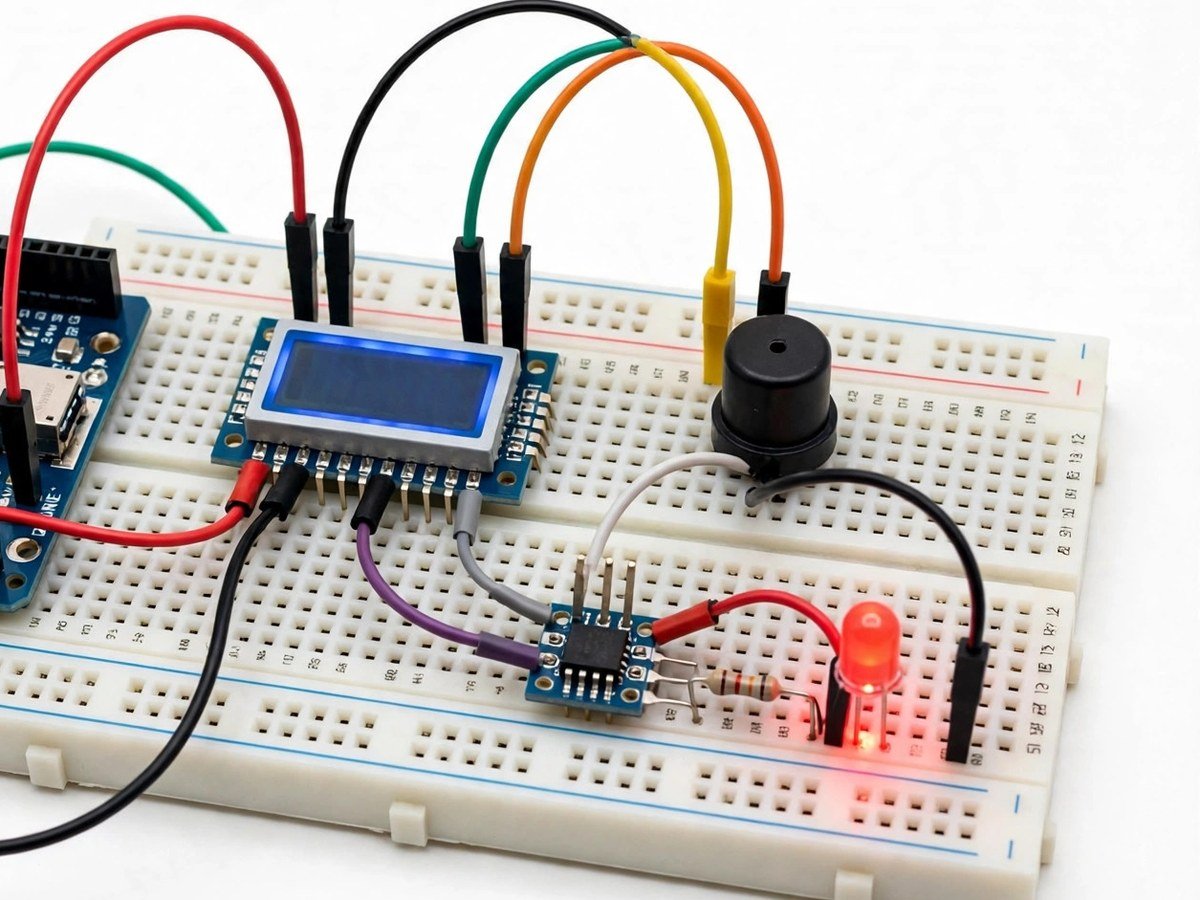
Build time: 45–60 minutes · Soldering: No
Safety note: this is a classroom demonstration of an overheat warning. It is not a safety system for a real machine, and it must never be relied on to protect real equipment.
The Problem
Temperature warnings are everywhere — on machines, in kitchens, in server rooms — but students usually meet them as a finished product that beeps, with no idea what number made it beep. This kit opens that black box. A sensor gives a reading, the display shows it, and the class chooses the threshold above which the buzzer and LED fire. Warming the sensor gently between warm hands makes the reading climb in front of the class, so the alarm is not a surprise but a consequence of a number the class can watch. The discussion that follows is the real lesson: a threshold set too low cries wolf all day, a threshold set too high stays silent until damage is done, and choosing between them is an engineering decision, not a guess.
How It Works
- Connect the temperature sensor module, LCD display, buzzer, and LED to the board, following the wiring guide.
- Upload the ready code and check that a room-temperature reading appears on the display.
- Record the room-temperature reading, with the time and place, on the board.
- Warm the sensor gently between warm hands and watch the reading rise on the display.
- Set the alarm threshold above room temperature, as a class decision.
- Warm the sensor again and check that the buzzer and LED fire only above the threshold, then stop as it cools.
- Discuss the trade-off: a low threshold alarms often but catches overheating early, while a high threshold alarms rarely but late.
- Switch the kit off and pack the display back carefully, as it is the most fragile part of this kit.
Features
- Temperature sensing shown live on an LCD, so the class works with numbers it can read.
- A buzzer and LED that fire together above the threshold.
- A class-set threshold, so students decide what counts as overheating.
- A gentle warming test, so the alarm can be triggered safely without any heat source.
- Breadboard build only, so the classroom build needs no soldering.
What Is Included
- Arduino-compatible board
- Temperature sensor module
- Buzzer
- LED
- LCD display
- Breadboard
- Jumper wires
Every pack also includes: all parts tested before dispatch; step-by-step assembly guide in English and Marathi; ready code where code is needed; a teacher guide with 3 classroom activities, common mistakes, and answers; spare jumper wires and a spare sensor or LED where the part is fragile; and WhatsApp support for the teacher.
Demo video: no video link is shown on this page yet. A demo video link will be added here only when a real video for this kit exists.
Tech Stack
- Arduino-compatible board
- Temperature sensor module
- Buzzer
- LED
- LCD display
Specifications
| Parameter | Value |
|---|---|
| Controller | Arduino-compatible board |
| Main sensor | Temperature sensor module |
| Display | LCD display |
| Alarm outputs | Buzzer + LED |
| Power | Board power as supplied in the pack |
| Build time | 45–60 minutes |
| Soldering | No |
| Coding level | Ready code; threshold is set as a class decision |
| Phone or computer needed | Computer only to upload the ready code once |
| Wi-Fi needed | No |
Limitations
- This is a classroom demonstration of an overheat warning. It is not a safety system for a real machine, and it must never be relied on to protect real equipment or to warn about a real fire.
- Readings depend on sensor contact and position. A sensor held loosely, near a draught, or against a cold surface will read differently from one held firmly at room temperature.
- The warming test uses warm hands only. No flame, heater, or hot object is used with this kit, and students must not bring their own heat sources.
- The kit measures the temperature at the sensor only. It does not measure the temperature of a whole machine, room, or building.
Frequently Asked Questions
Do students need to know coding?
No. Ready code is included. The class decision is the threshold.
Why do two kits sometimes read differently?
Sensor contact and position matter: a draught, a cold surface, or a loose hold changes the reading. Comparing positions is part of the lesson.
Can this kit protect a real machine from overheating?
No. It is a classroom demonstration only. It must never be relied on to protect real equipment.
Is soldering needed?
No. The classroom version uses a breadboard and pre-wired modules.