
More project photos (2)
The problem
Most people reuse a handful of weak passwords across dozens of accounts, so one breached site hands attackers the keys to everything else. The fix is well known — a unique, strong password per site — but human memory cannot hold two hundred random strings, and sticky notes or spreadsheets are worse than the disease. Password managers solve the memory problem, but building one properly is a serious cryptography exercise: credentials must be encrypted with authenticated encryption, the master password must be stretched through a slow key-derivation function, and the architecture should be zero-knowledge so a server breach leaks only ciphertext. A browser extension that autofills logins completes the usability loop. This project turns those abstract requirements into a working vault students can actually audit and demo.
How it works
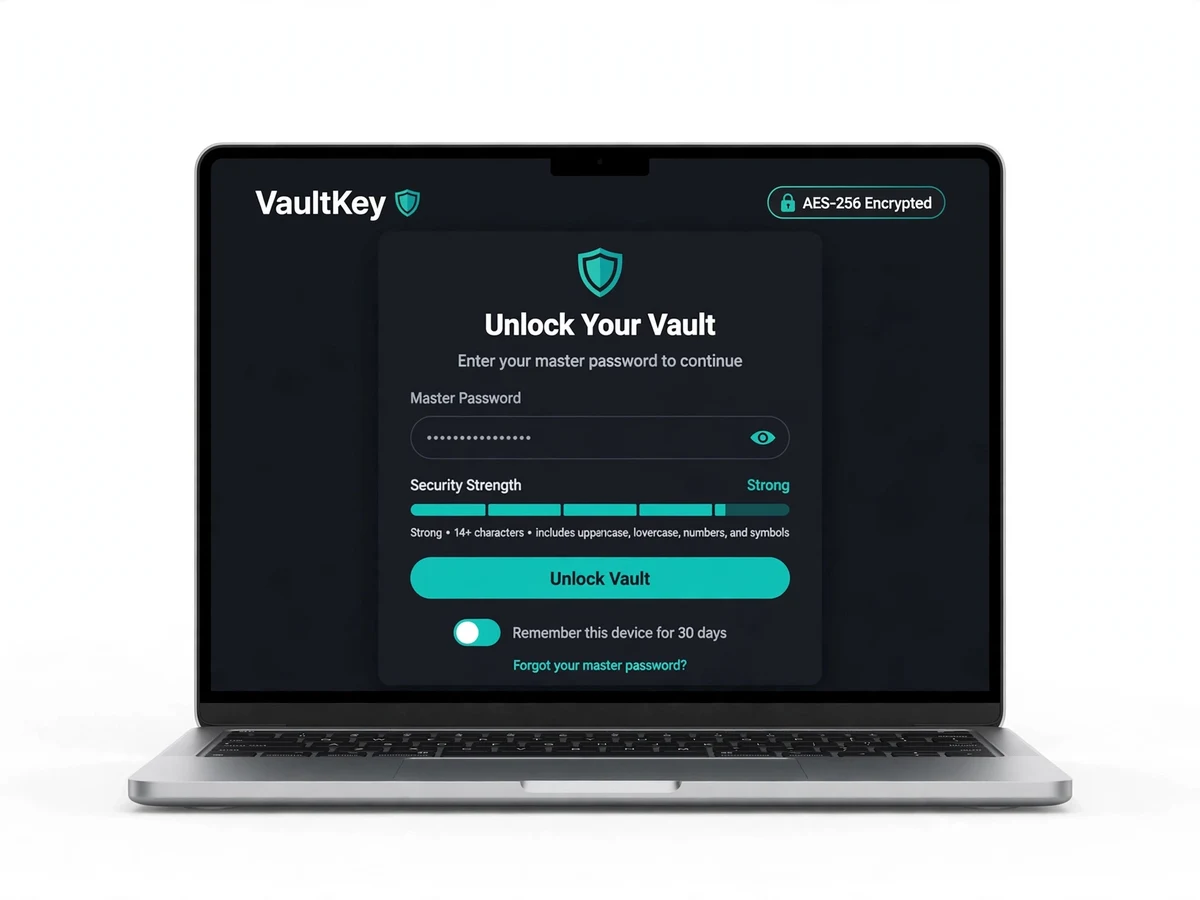
On first run, you create a master password; VaultKey derives a 256-bit key from it using PBKDF2 (high iteration count) with a random salt.
Every credential you save is encrypted with AES-256 (GCM) using a fresh random IV per entry, then synced to the server as ciphertext only.
Unlocking re-derives the key from the master password locally — the key never leaves your device and the server can't decrypt anything.
The password generator uses a cryptographically secure RNG; generated passwords show an entropy estimate in bits.
The breach checker hashes your password and compares it against known-compromised lists, warning you without exposing the password.
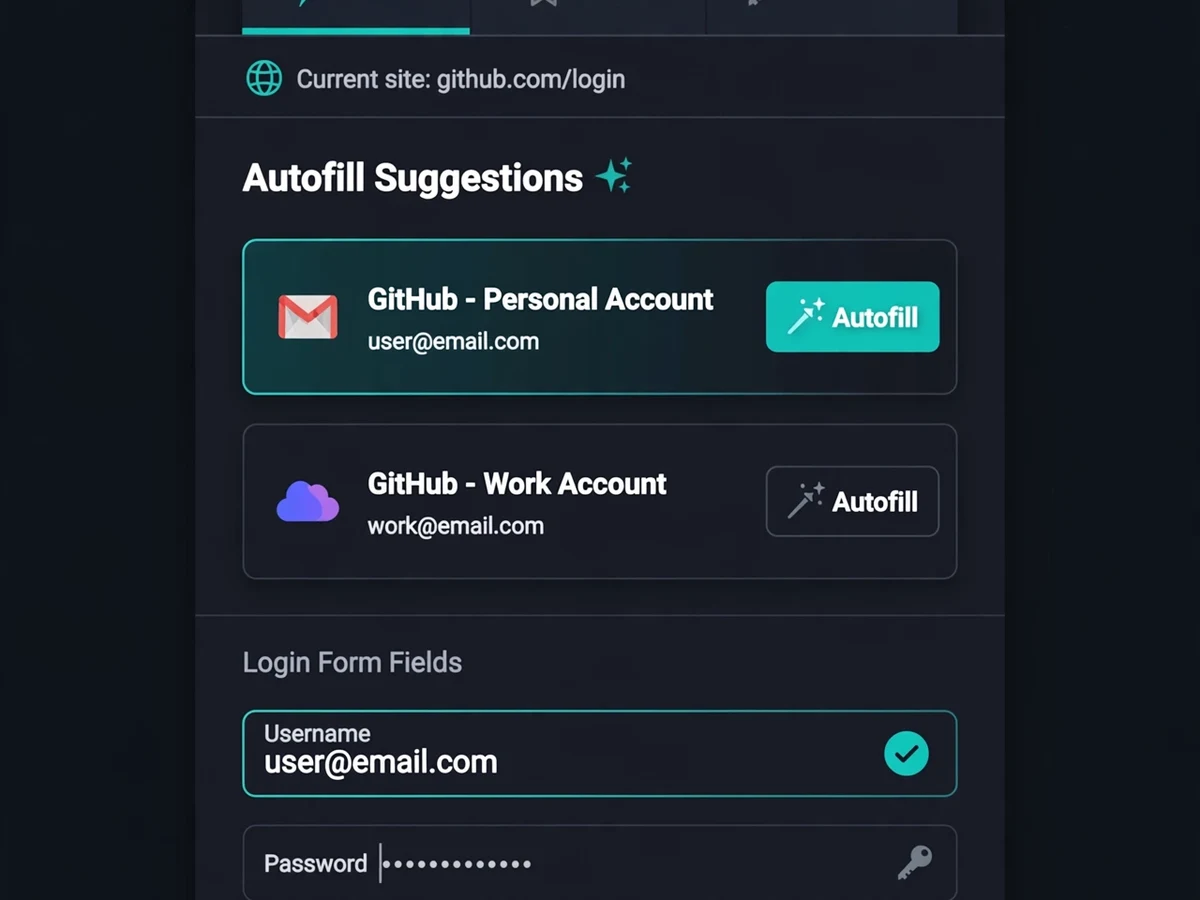
The browser extension detects login forms, offers matching vault entries and autofills them after you unlock.
Auto-lock and clipboard clearing ensure decrypted data doesn't linger on a shared machine.
Project features
AES-256 encrypted vault (CBC/GCM modes) holding logins, notes and card details
Master-password unlock with PBKDF2/bcrypt key derivation and configurable iterations
Zero-knowledge design — the server stores only ciphertext, never keys or plaintext
Cryptographically strong password generator with length, charset and entropy display
Breach-check warnings flagging passwords found in known leak datasets
Browser extension (JavaScript) for one-click autofill on login forms
Auto-lock timer, clipboard auto-clear and session timeout for shoulder-surfing protection
Search, folders/tags and favorites for organizing hundreds of credentials
Encrypted backup export/import for moving the vault between devices
Password health dashboard: weak, reused and old passwords flagged for rotation
What is included
Complete, commented source code (vault app + API + browser extension)
Project report PDF (cryptography theory, threat model, design, testing, conclusion)
PPT presentation
Viva Q&A preparation document (AES modes, KDFs, zero-knowledge, entropy, extension security)
Setup guide (installation, vault creation, extension setup, demo walkthrough)
FAQs
- What does zero-knowledge mean here? The server only ever sees ciphertext. Encryption keys are derived from your master password on your device and are never stored or transmitted, so nobody — not even the service operator — can read your passwords.
- Which AES mode does it use? GCM (authenticated encryption) by default, with CBC as a documented fallback. The report explains why authenticated encryption matters and how per-entry IVs are handled.
- What happens if the master password is forgotten? The vault cannot be recovered — the honest trade-off of zero-knowledge design, with no backdoor and no reset.
- Can the full flow be demoed? Yes. Create a vault, save logins, generate a password, run a breach check and autofill a demo login page with the extension in one session.
- Why PBKDF2 with 600,000+ iterations? The high iteration count makes each password guess expensive, which is what slows down brute-force attacks against a stolen vault file. The iteration count is configurable.
Limitations & prerequisites
Security is only as strong as the master password — a weak master password undermines the whole vault; a strength meter is enforced at setup.
If you forget the master password, the vault cannot be recovered — zero-knowledge means no backdoor and no reset.
The extension autofills only standard HTML login forms; exotic CAPTCHA or MFA flows still need manual steps.
Breach checking depends on available leak datasets and an internet connection.
Components & software requirements
Python or Node.js back end (API serving ciphertext blobs only)
AES-256 (Fernet / WebCrypto API) with GCM/CBC modes, random IV per entry
PBKDF2 / bcrypt key derivation from the master password
SQLite (local vault) + server-side blob store
Browser extension in vanilla JavaScript (Chrome/Firefox manifest)
zxcvbn-style strength meter and entropy estimation for the generator
Specifications
| Parameter | Value |
|---|---|
| Encryption | AES-256 (GCM preferred; CBC fallback), fresh random IV per entry |
| Key derivation | PBKDF2 with SHA-256, random salt, configurable iterations (default 600k+) |
| Zero-knowledge | Server stores ciphertext only; keys derived client-side, never transmitted |
| Generator | CSPRNG-based, configurable length/charset, entropy shown in bits |
| Breach check | Hash-prefix comparison against compromised-password datasets |
| Extension | Chrome/Firefox manifest; form detection + autofill after unlock |
| Auto-lock | Configurable inactivity timeout; clipboard auto-clears after N seconds |
| Health dashboard | Weak, reused, duplicated and aged passwords flagged |
| Backup | Encrypted export/import of the full vault (portable file) |
| Storage | SQLite locally; optional server sync of ciphertext blobs |